Replace Contours with Stitches
Embird Editor 2020 can recognize the contours of colour areas in object, stitch these contours with specified stitch length and number of layers.
1 – Run Embird and click “Editor” menu to switch to Editor window.
1. Switch to Editor window
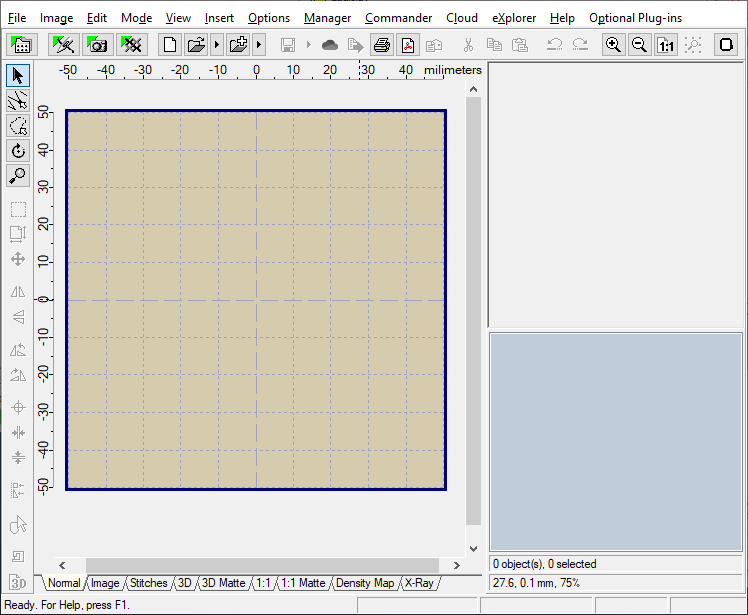
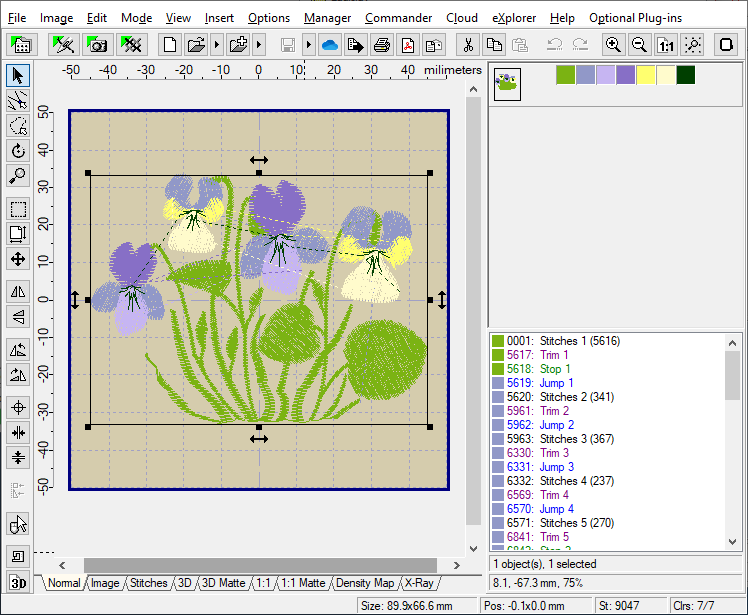
2 – Select “File > Open” menu to open some design (Picture No. 2).
2. Select “File > Open” menu and open some design
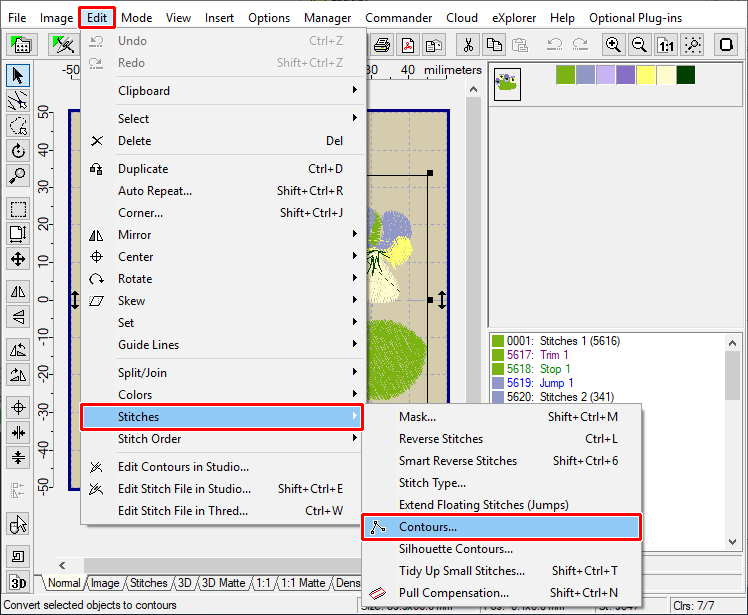
3 – Select “Edit > Stitches > Contours” menu to convert the selected object to contours (Picture No. 3).
3. Select “Edit > Stitches > Contours” menu
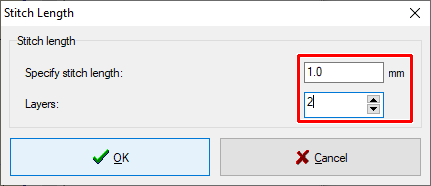
4 – Specify the stitch length and number of layers (Picture No. 4).
4. Specify the stitch length and number of layers
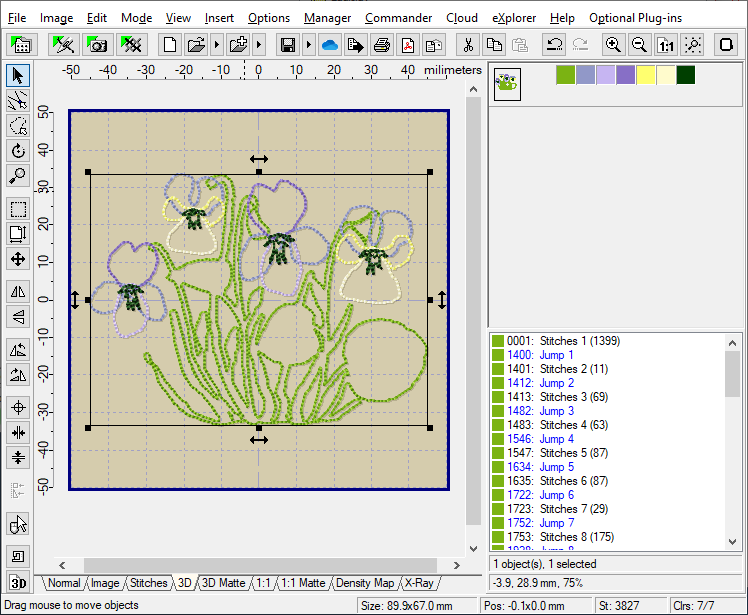
5 – Check new object in 3D view mode (Picture No. 5).
5. Check the new object in 3D view mode